
Crazy Frog AI Video Examples With Realistic and Cartoon Inputs
Below are two finished Crazy Frog AI video examples made with this generator: a photoreal two-person chase and an original 3D cartoon chase. The source images and finished MP4s are shown together so you can see what the inputs contribute—and what the generated video is still free to change.
These are site-produced demonstrations made from synthetic sample characters. They are not customer videos, testimonials, or promises that another generation will reproduce the same faces, poses, camera, vehicles, or choreography.
Example 1: photoreal rider and chaser
This example uses two separate full-body inputs. The first image supplies the fleeing rider; the second supplies the pursuing character.
| Rider input: Image 1 | Chaser input: Image 2 |
|---|---|
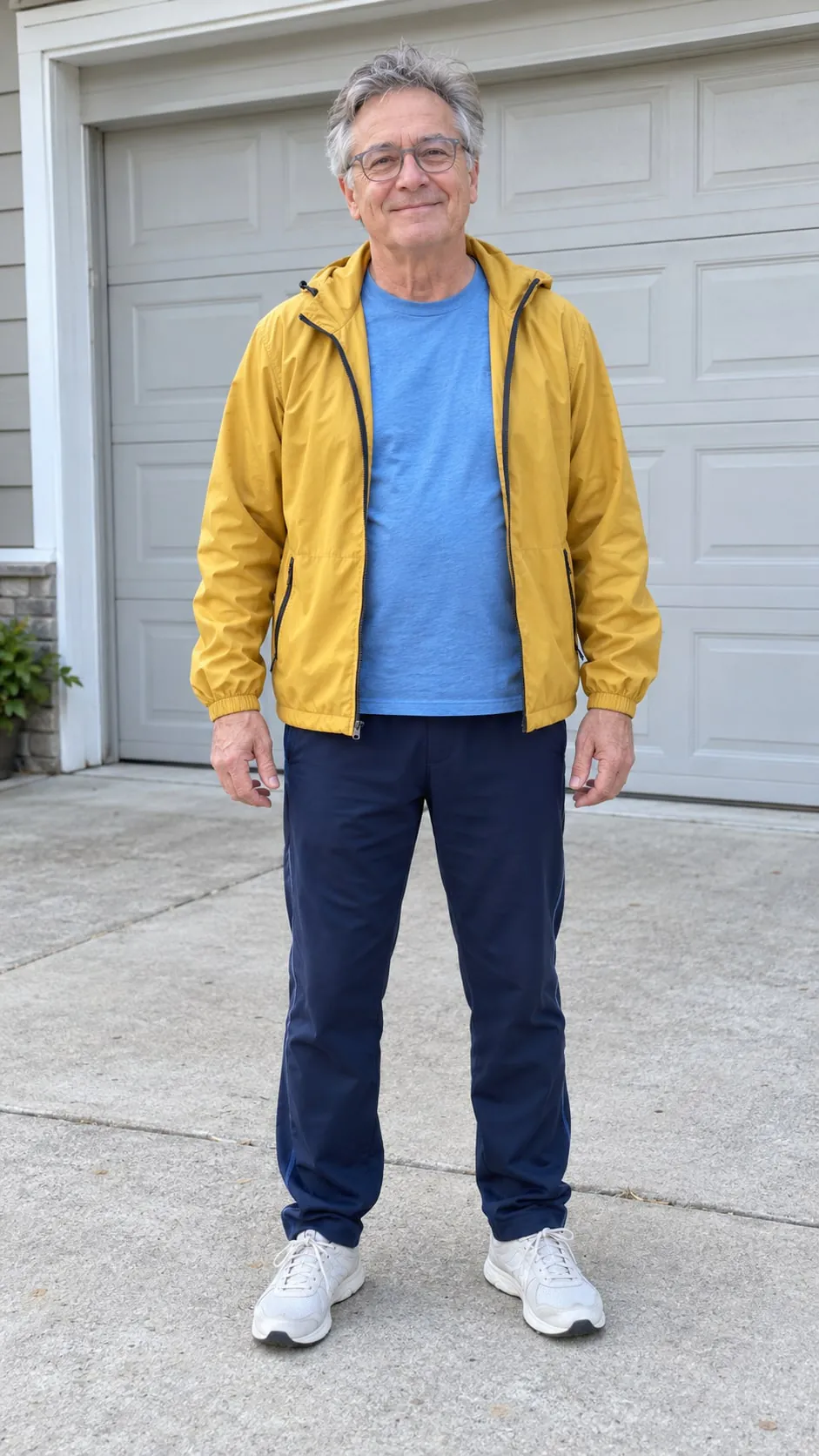 | 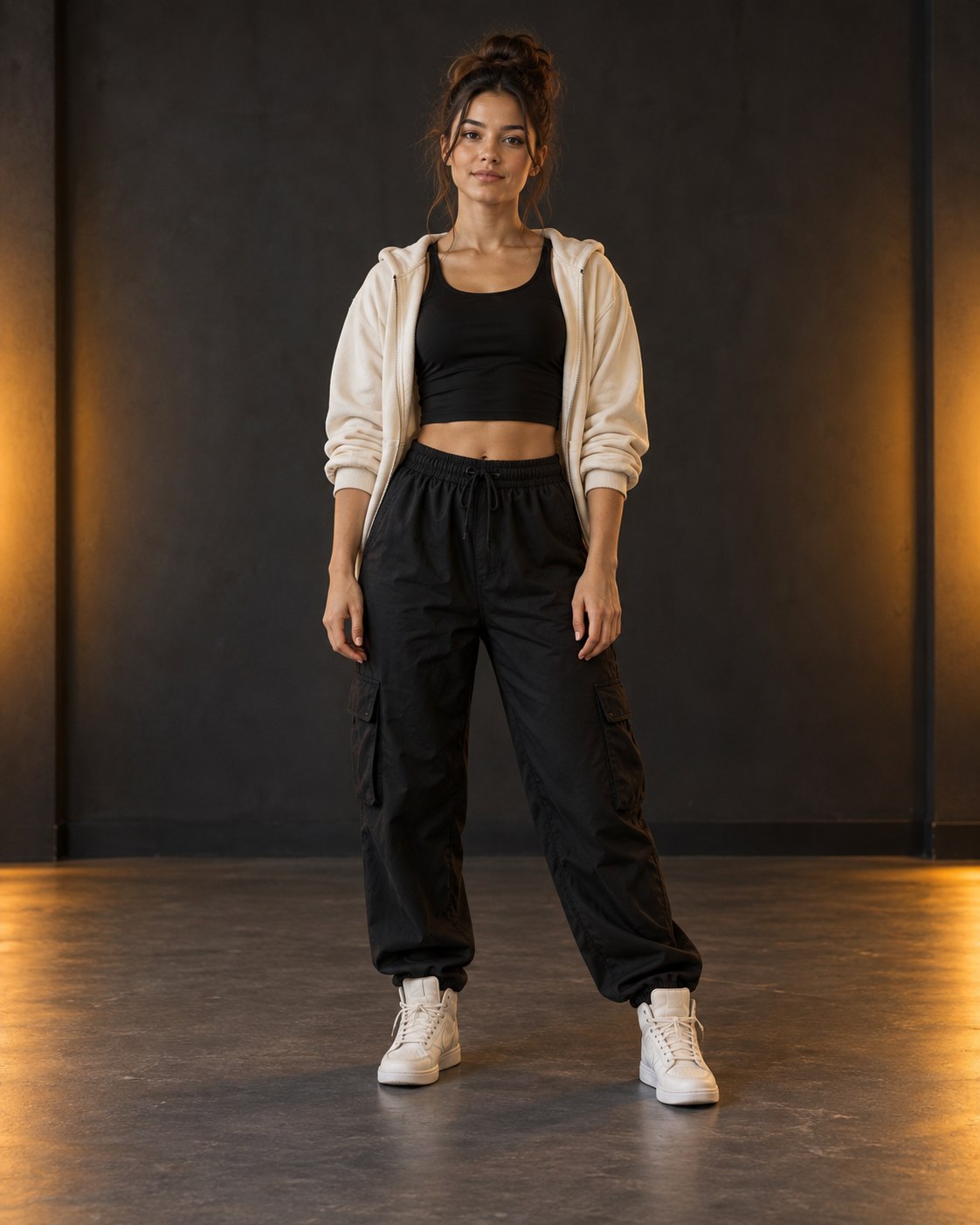 |
What this example demonstrates:
- Upload order defines the intended roles: Image 1 is the rider and Image 2 is the chaser.
- Clear full bodies, visible feet, and different clothing colors give the model useful separation cues.
- The finished video invents the moving road, riding poses, chase blocking, vehicles, light, and camera movement. Those details are not copied from either still image.
- The identities remain recognizable in this result, but exact facial details, clothing, anatomy, position, and shot design are not guaranteed in a new generation.
If you want to choose both people, use the workflow in the two-person Crazy Frog AI video guide.
Example 2: original 3D cartoon rider and chaser
This example also uses two images, but both characters are original 3D-style synthetic designs rather than photoreal people.
| Rider input: Image 1 | Chaser input: Image 2 |
|---|---|
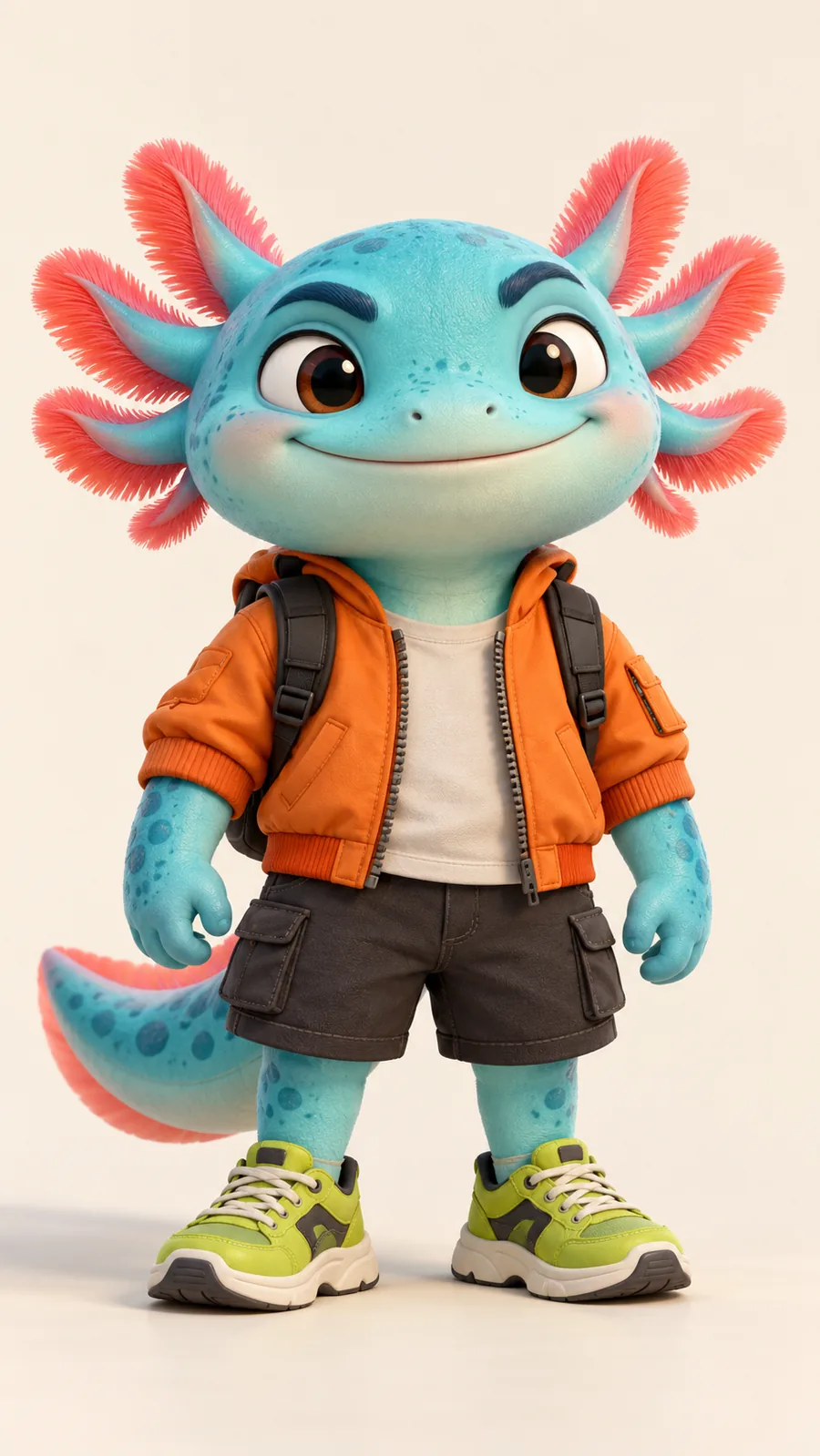 | 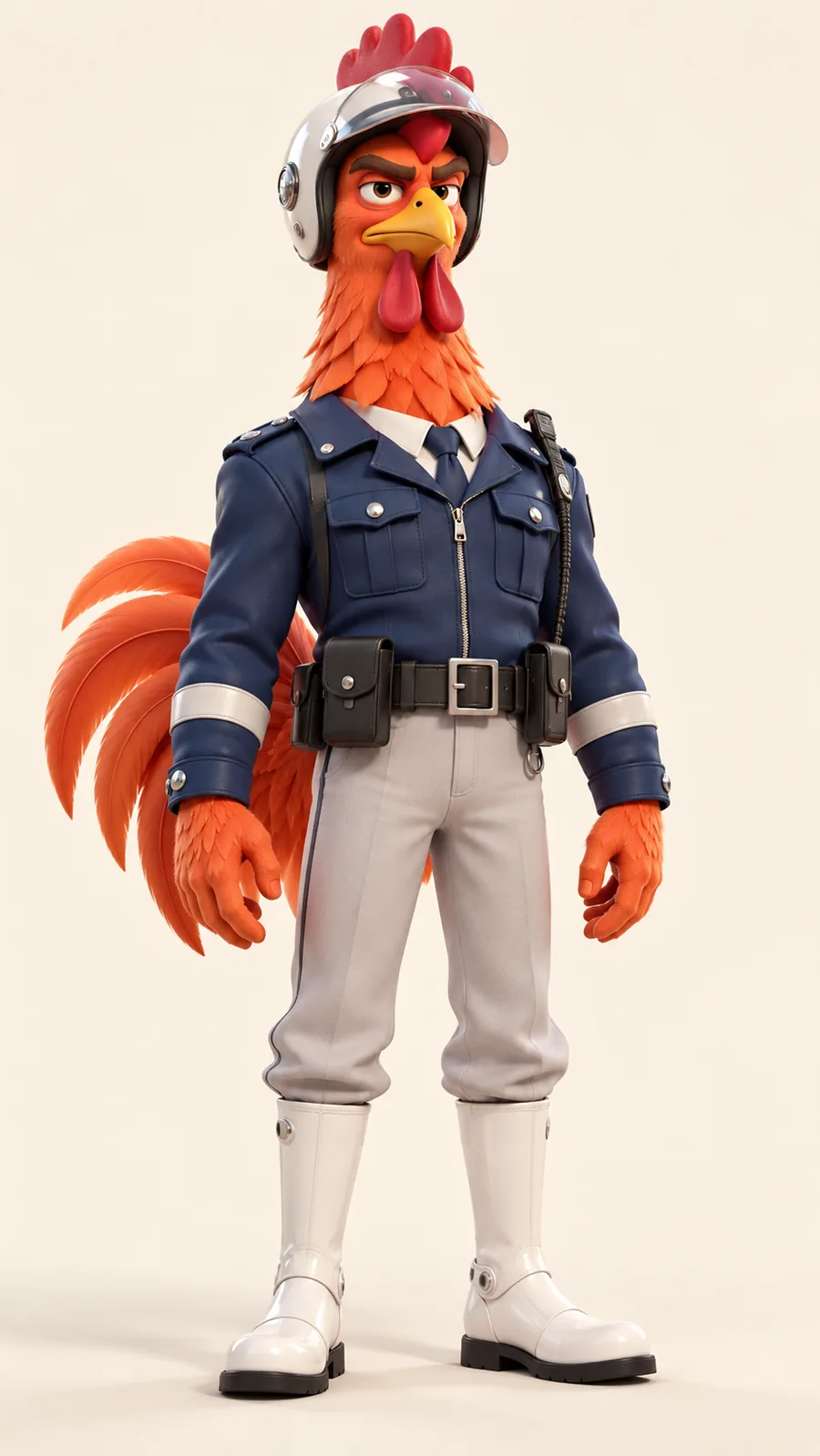 |
What this example demonstrates:
- The generator accepts original illustrated or 3D characters as well as photoreal people.
- A complete body, separated limbs, a readable silhouette, and consistent visual medium matter more than human anatomy.
- Using two inputs in a similar 3D style helps state the intended character pairing, but the generated result may still simplify shapes, change proportions, or reinterpret clothing and props.
- “Cartoon input” does not lock every frame to the source design. Review the complete result before publishing.
For source-art preparation, see what photo or character image works best.
What does one-photo mode look like?
The generator also includes one-photo presets such as these:
| Funny photoreal rider preset | Original 3D rider preset |
|---|---|
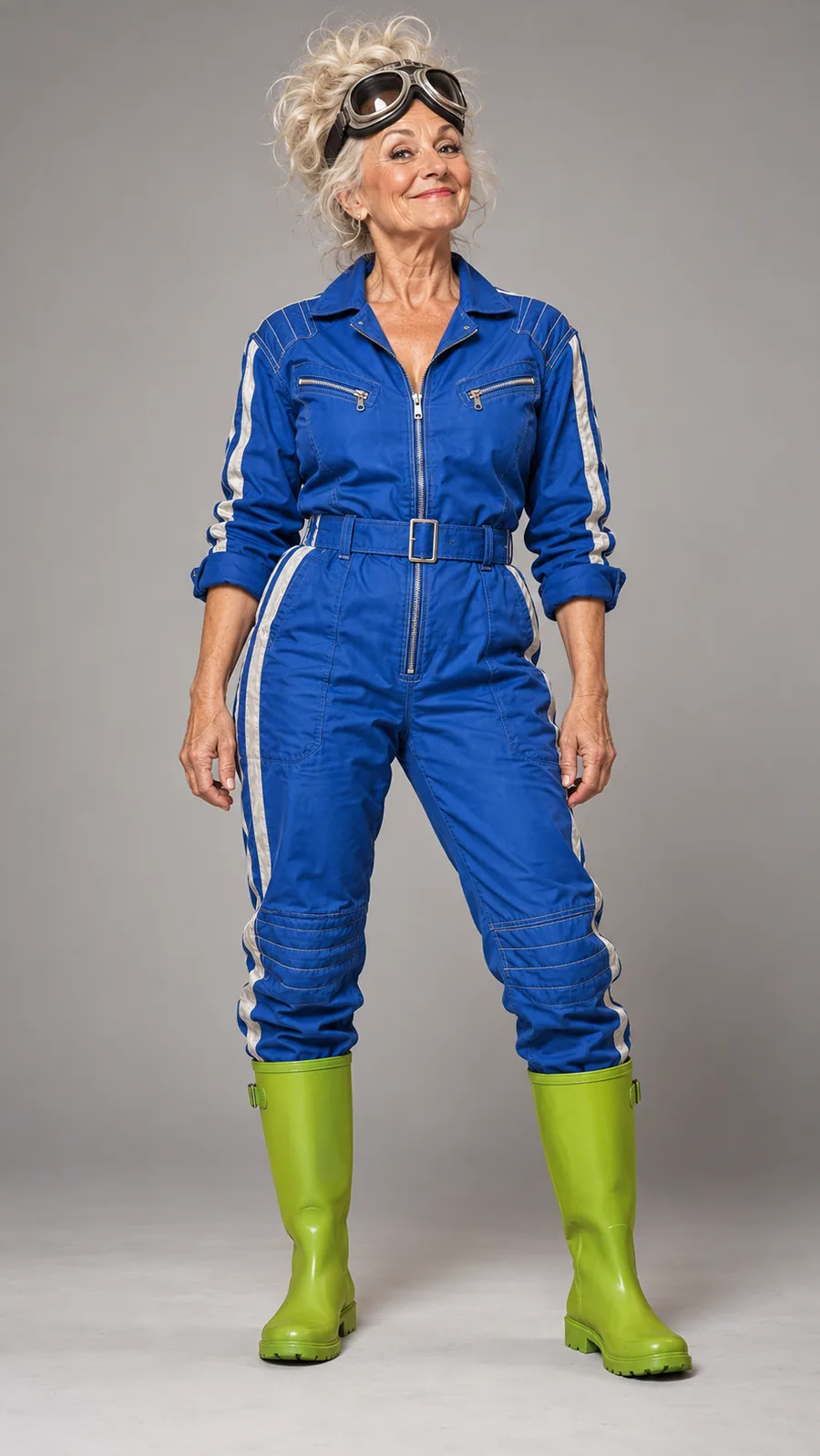 | |
In one-photo mode, the uploaded or selected character becomes the rider and the generator creates a visually distinct AI chaser. You do not choose that chaser's exact face, outfit, species, vehicle, or appearance. The two finished videos above demonstrate the more controllable two-photo mode; the one-photo images in this section are selectable inputs, not claims that they produced either finished example.
Use one-photo mode when you want the fastest setup or enjoy a surprise pursuer. Use two-photo mode when a particular consenting adult or original character must be assigned to the chase.
What can these examples tell me before I generate?
They can show the general 9:16 chase format, the relationship between Image 1 and Image 2, and the range from photoreal to stylized inputs. They cannot predict an exact result.
| Question | Accurate expectation |
|---|---|
| Will my photo keep the same face and clothing? | The image guides identity and wardrobe, but details can change during motion. |
| Will the chase copy either example shot for shot? | No. Camera, road, timing, poses, vehicles, and composition can vary. |
| Can one image create two characters? | Yes. Your image defines the rider; the chaser is generated and its exact appearance is not selectable. |
| Can two images choose both roles? | Yes. Image 1 is the rider and Image 2 is the chaser, although generative variation remains. |
| Can I use a cartoon character? | Yes, if it is your original character or you have the rights required to use it. |
| Is music included? | No. The service does not provide or license “Axel F” or another soundtrack. |
The finished file is a 9:16 MP4. A 480P generation uses 0.5 video balance and a 720P generation uses 1 video balance; current one-time packs are listed on the pricing page.
How should I test my own idea?
- Choose one clear full-body rider image.
- Add a second full-body chaser only if you want to choose both characters.
- Start without a long prompt; the ride and pursuit are already configured.
- If needed, add one concise setting, lighting, and camera note using the Crazy Frog AI prompt guide.
- Generate, watch the entire result, and download the MP4 promptly because the private signed result link expires after 24 hours.
Only upload images of adults that you own or are authorized to use, and obtain permission from every identifiable adult for this AI-video use. Images of minors are prohibited. The sample people and characters shown here are synthetic demonstration assets.
Ready to test a reference? Open the Crazy Frog AI video generator, or follow the complete one-photo and two-photo tutorial.